All guides
 View full size
 View full size
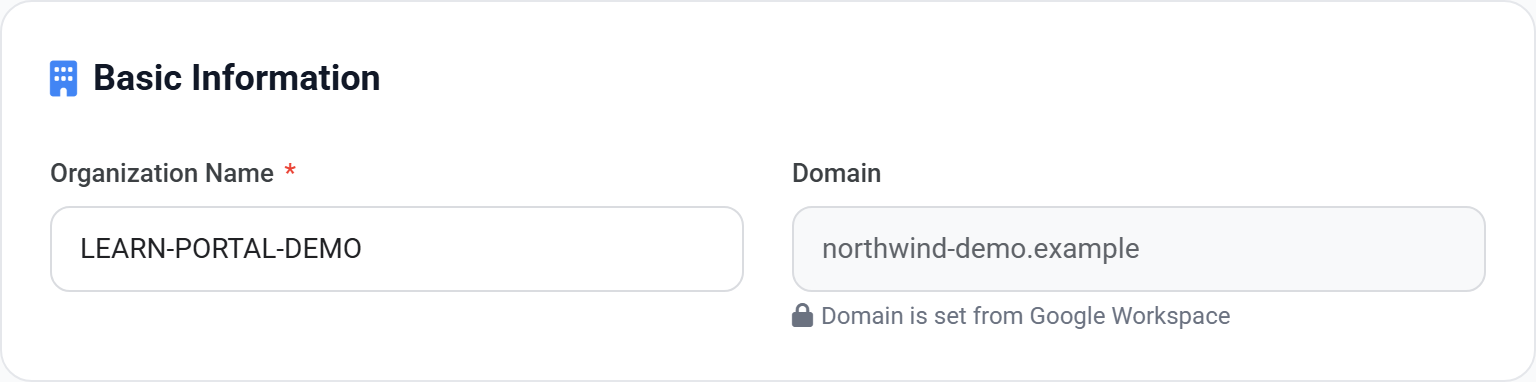
Company details. These appear on your invoices, so keep them current — a change of registered address or tax number belongs here first.
Subscription and billing
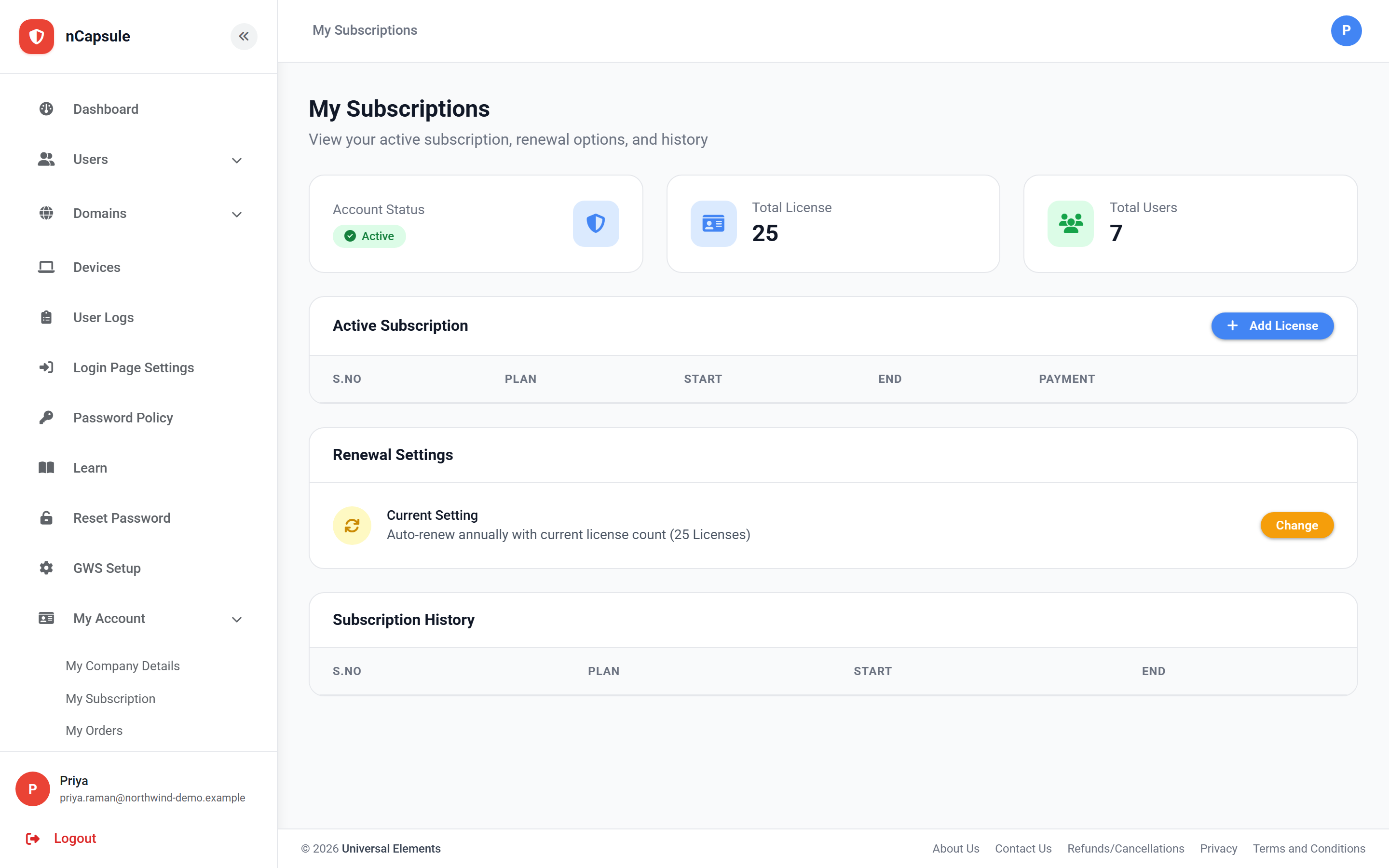
Licence count, renewal settings, and your billing documents.
Find it at My Account
View full size
What is where
My Company Details
The name and address shown on your invoices.
My Subscription
Your plan, licence count and renewal settings.
My Orders
Orders you have placed.
My Invoices
Invoices raised against your account.
My Receipts
Confirmation of payments received.
Licences and users
Your licence count is the number of users you may have. The dashboard shows both numbers side by side, so you can see how much headroom is left before adding a team.
View full size
Before a large import
- 1 Open My Subscription and note your licence count.
- 2 Compare it with how many people you are about to add.
- 3 Add licences first if you are short — a sync stops once the licences run out.
Suspended users still hold a licence
Suspending someone stops them signing in but keeps the account, so it keeps using a licence. Delete accounts you are certain are finished with if you need the headroom back.