Groups
Apply one set of sign-in rules to a whole team instead of editing every user.
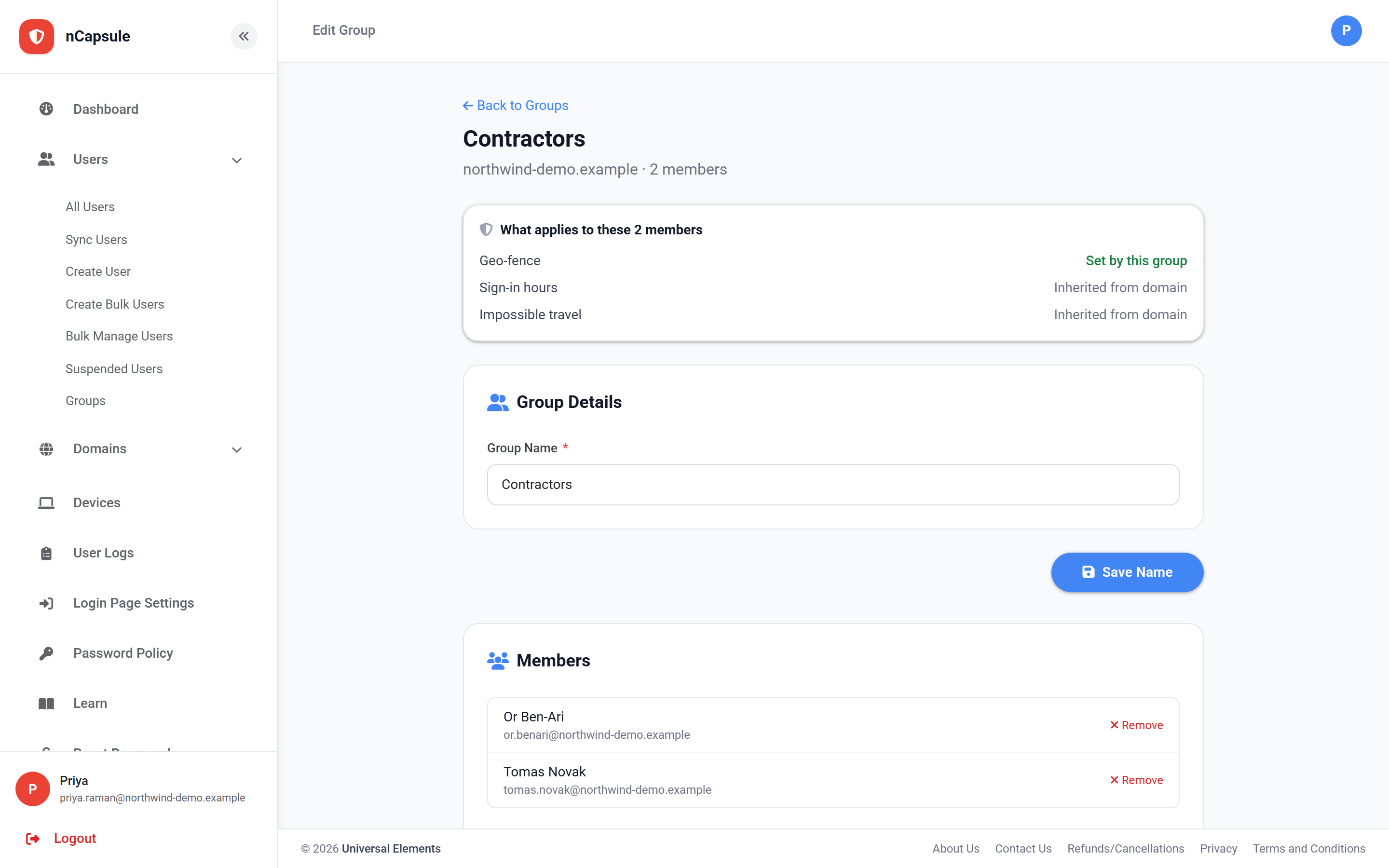 View full size
A group is a set of users who share one set of sign-in rules — the same idea as an organisational unit in Google Workspace. Put someone in a group and the group's rules apply to them straight away; take them out and the rules stop.
Groups exist because a domain can hold only one version of each rule. If your contractors need a different country list from your staff, or support works nights while everyone else works nine to five, you cannot express that on the domain alone. A group can.
This is deliberate. With one group per person there is never a question about which rule wins when two groups disagree — so what applies to someone is always answerable at a glance. Adding a user to a second group moves them.
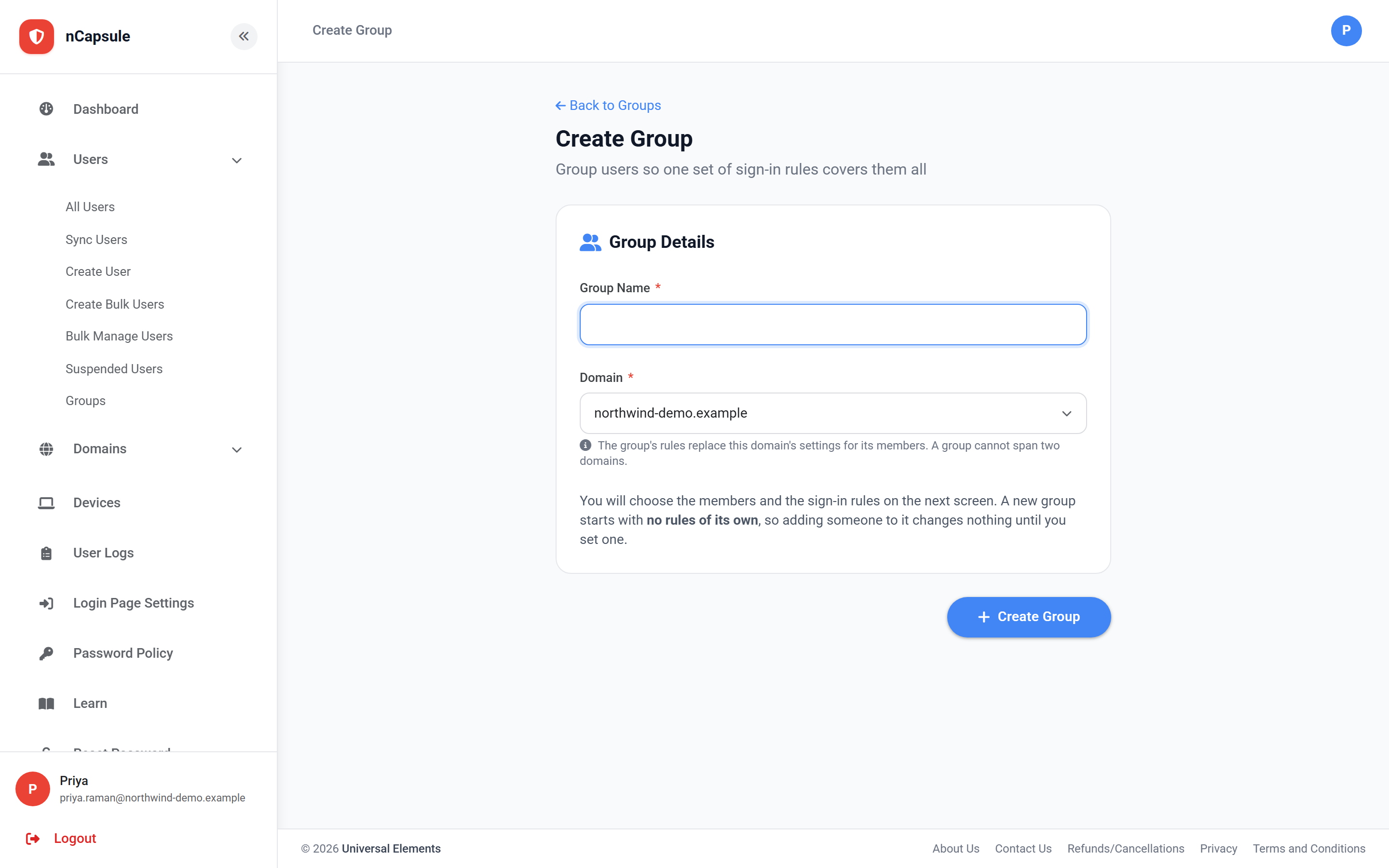
- 1 Go to Users → Groups and choose Add Group.
- 2 Give it a name and pick the domain it belongs to. A group cannot span two domains.
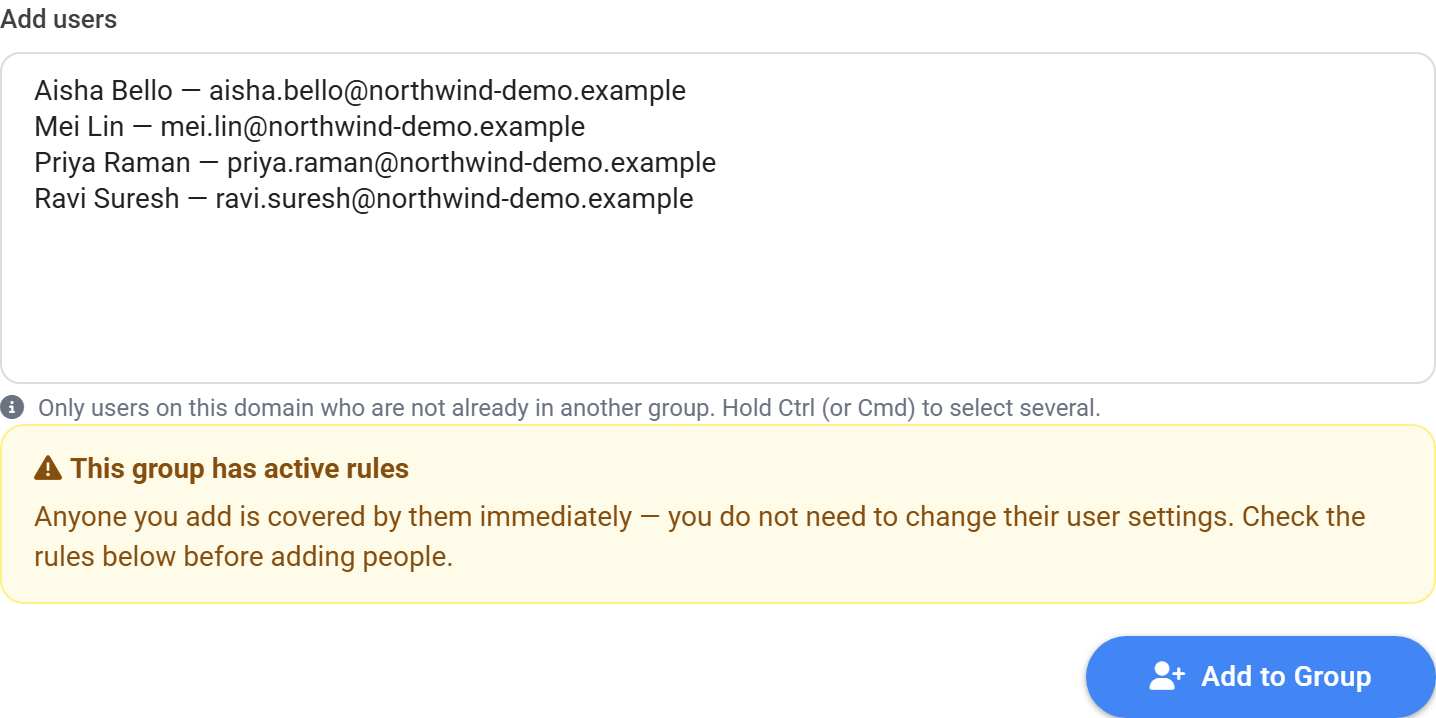
- 3 On the next screen, add members and set whichever rules that team needs.
 View full size
Each rule is optional. A group that says nothing about sign-in hours simply inherits the domain schedule — the same way a Google OU inherits from its parent. The panel at the top of the group page always shows which rules the group sets and which it inherits.
 View full size
Everyone starts in no group, and those users keep following the domain settings and their own user settings exactly as before. Deleting a group releases its members rather than deleting them.
 View full size