Each user record holds their details and the restrictions that apply to them individually. You can add people one at a time, in bulk from a file, or sync them from Google Workspace or Microsoft 365.
What the list shows
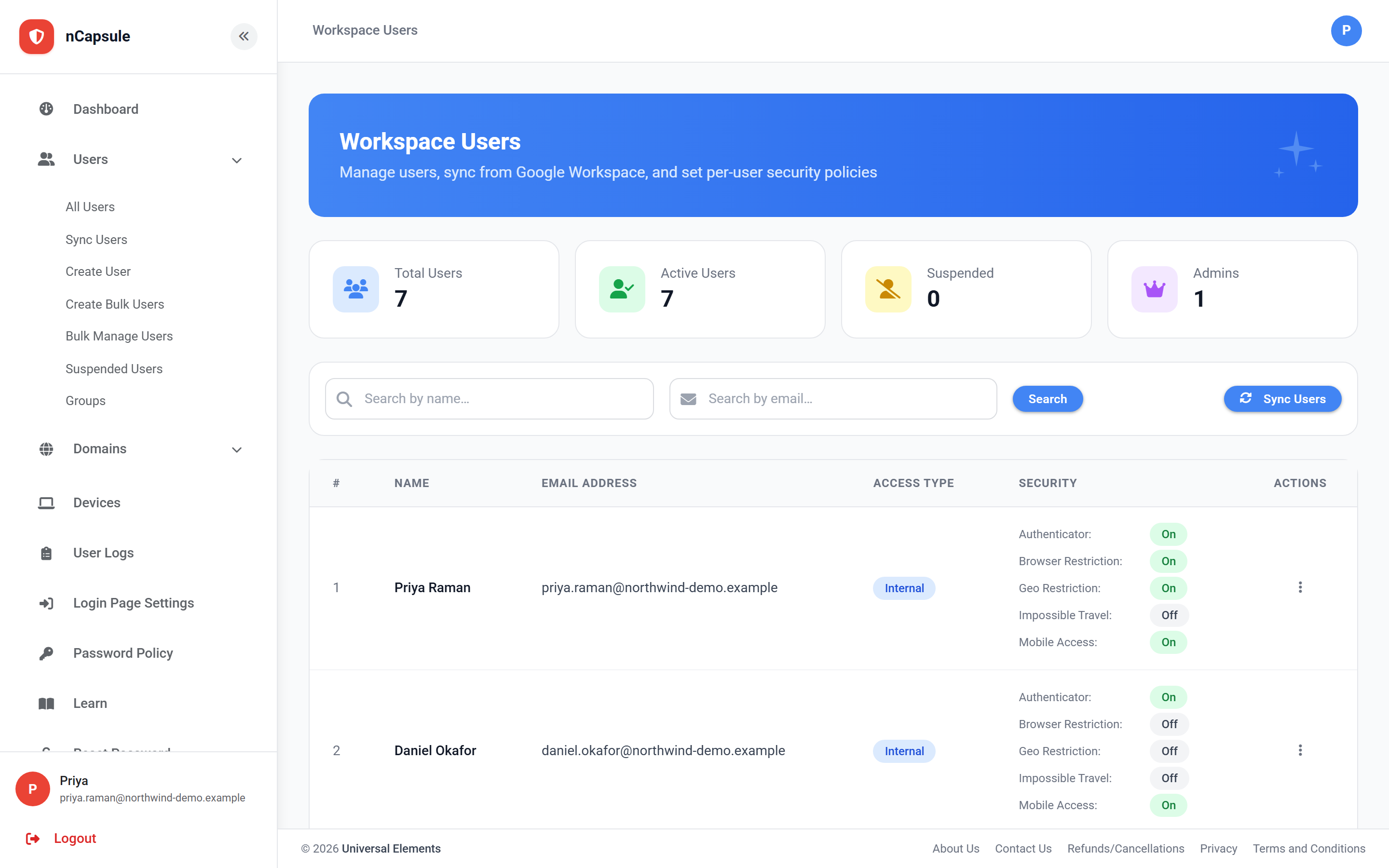
Name and Email Address
Who they are. Both search boxes filter on these.
Access Type
Internal or External — this decides whether IP restriction applies.
Security
Each restriction on or off at a glance, so you can spot gaps without opening anyone.
Actions
Edit, reset their password, suspend or delete.
View full size
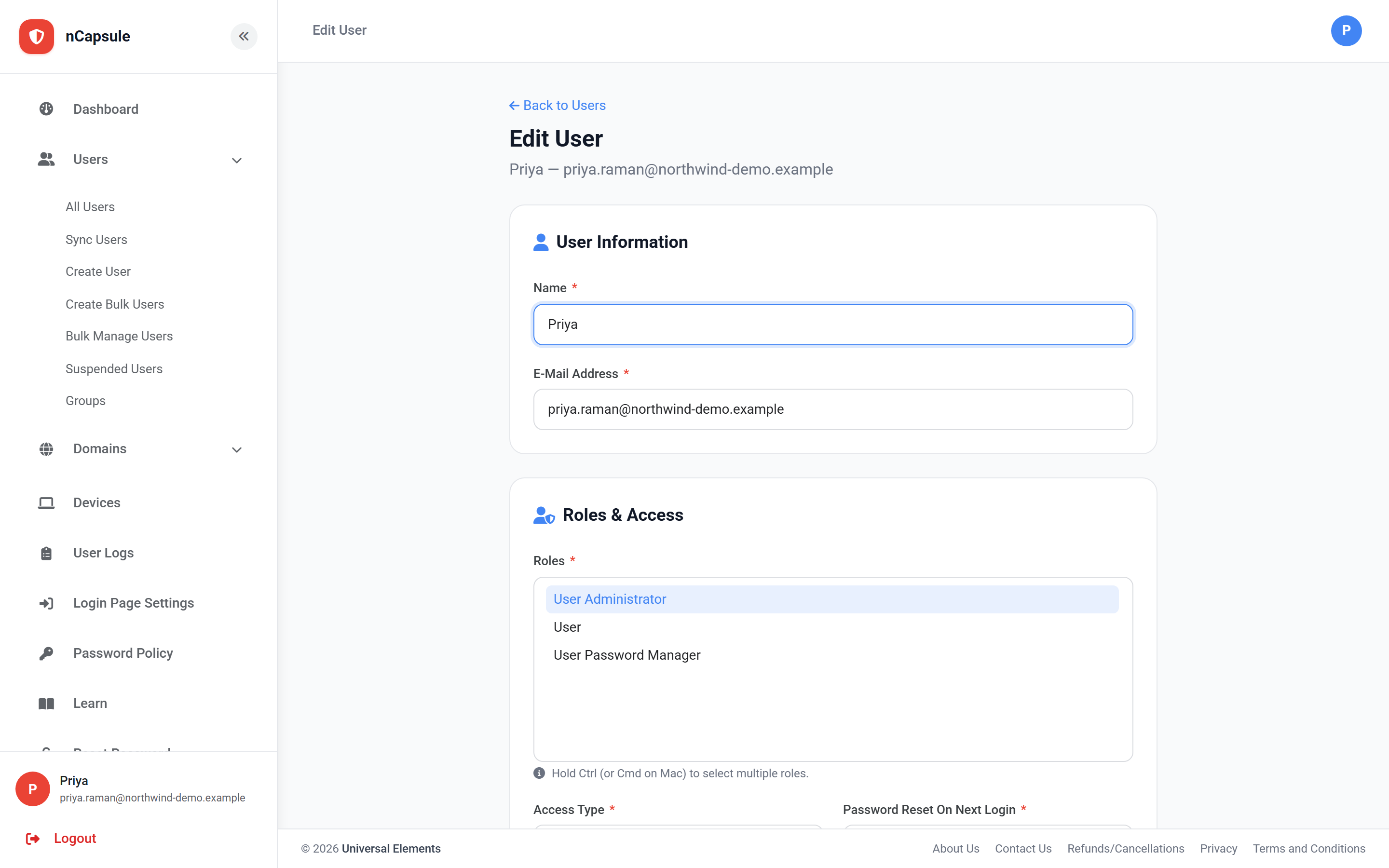
A user's settings. Each restriction here applies to this person alone.
Settings on a user record
Name / E-Mail Address
Their details. The email is their sign-in ID.
Roles
What they can do in nCapsule — admin, user, or password manager.
Access Type
Internal users are subject to the domain IP restriction; External are not.
Password Reset On Next Login
Forces a new password the next time they sign in.
Enable Authenticator
Requires a six-digit code as well as the password.
Enable Browser Restriction
Limits them to browsers they have registered.
Enable Geo Restriction
Applies the domain or group geo-fence to them.
Enable Sign-In Hours
Applies the domain or group schedule to them.
Enable Impossible Travel
Applies travel detection to them.
Enable Mobile Access
Whether they may sign in from a phone or tablet.
Max Allowed Browsers
How many browsers they may register at once.
Register Browser on Next Login
Registers their next browser without a code — use when someone is stuck.
The Security column is worth scanning
The list shows every restriction for every user side by side. Reading down it is the quickest way to find the accounts with no authenticator and no device binding — the ones a stolen password would open.
When to use a group instead
If you are about to set the same thing on more than a handful of users, put them in a group and set it once. Per-user settings are best kept for genuine exceptions.
Changing what applies to someone
1Go to Users → All Users and search for them by name or email.
2Open their record with Edit.
3Set the switches on the Security card, and Access Type on Roles & Access.
4Save. The change takes effect at their next sign-in.
 View full size
 View full size