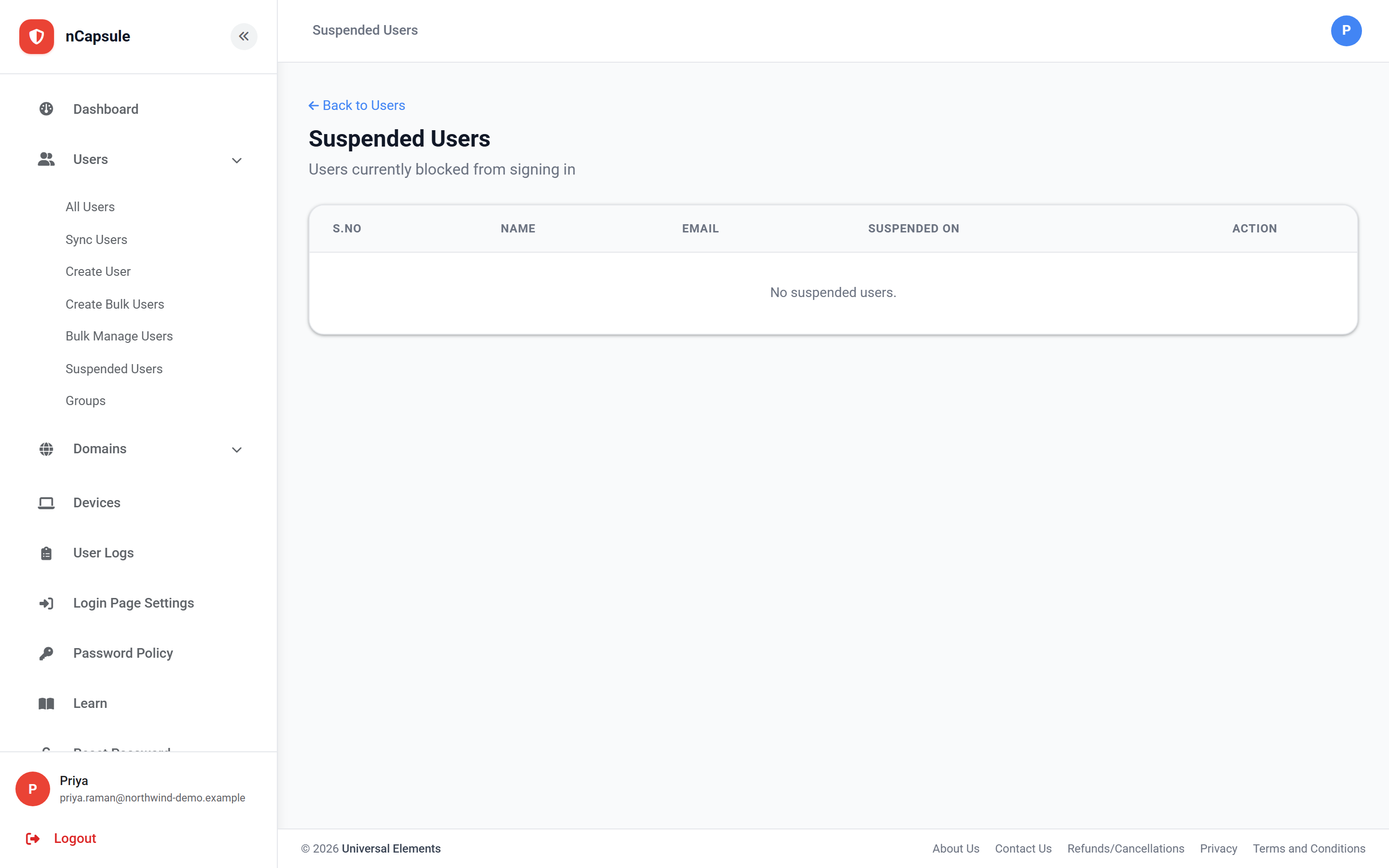
A user is suspended automatically after repeated failed sign-in attempts — the protection against someone working through a list of guessed passwords. This page lists everyone currently suspended and lets you restore them.
When someone reports being locked out
1Check this page to confirm they are actually suspended rather than blocked by a rule.
2Look at User Logs to see whether the failures came from their own address or somewhere unexpected.
3If the attempts were not theirs, change their password before restoring the account.
4Restore them from here, and confirm they can sign in before closing the ticket.
Suspended is not the same as blocked
A suspension follows repeated wrong passwords and appears on this page. Being stopped by geo-fencing, sign-in hours or IP restriction is different — the account is fine and nothing shows here. User Logs tells you which of the two happened, because the status names the check that stopped them.
Restoring does not change the password
It only lifts the lock. If you believe someone else was guessing at the account, reset the password as well, or the attempts simply continue.
A suspension can be a warning sign
Failed attempts from an address the person does not recognise mean someone is trying passwords against that account. Restoring it without changing the password leaves the attempt running.
View full size
Filter User Logs by that person to see whether the failures came from their own address or somewhere unexpected.
 View full size
 View full size