Password policy
Set the rules new passwords must meet.
 View full size
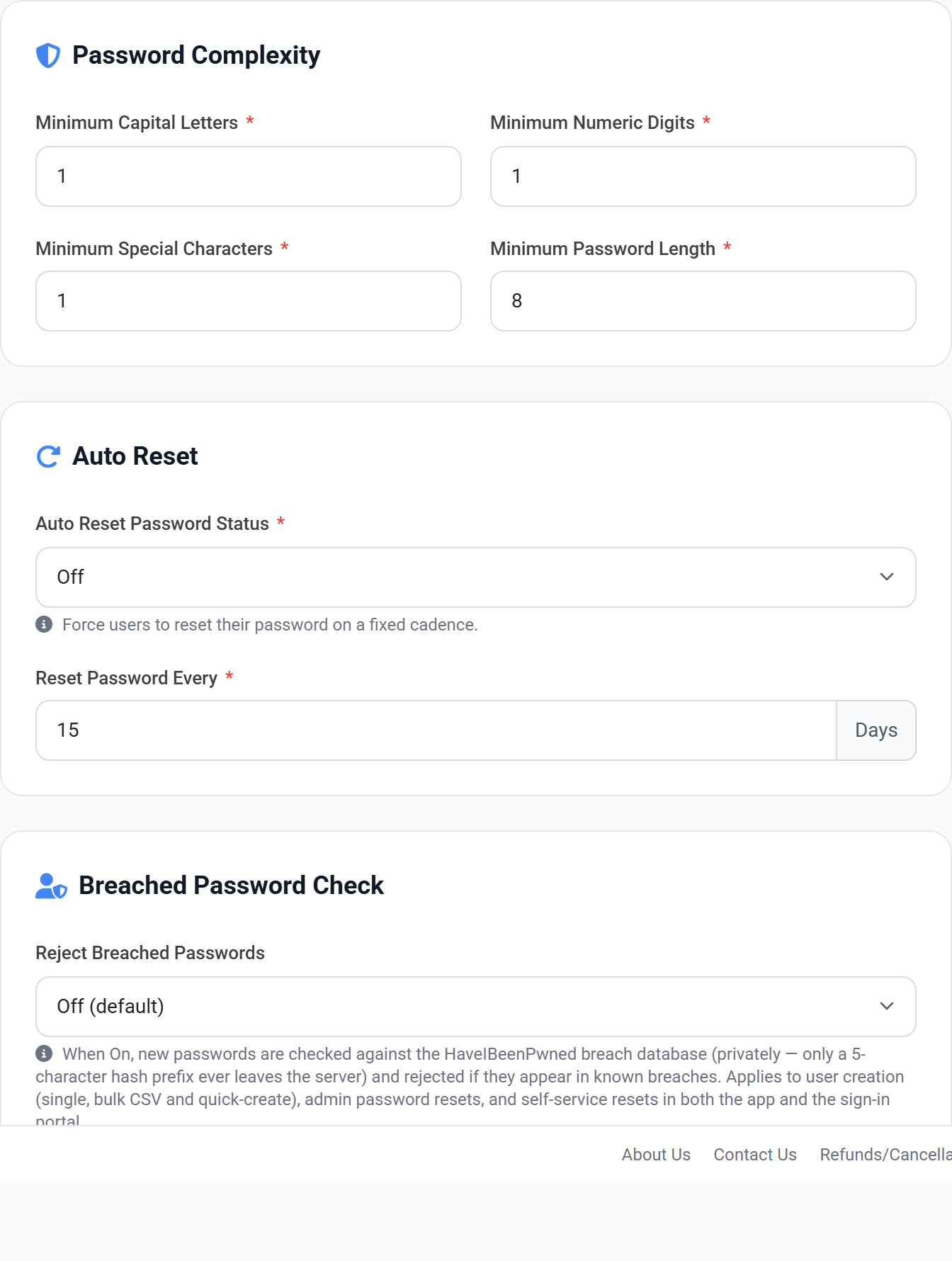
Sets the minimum standard every password must meet when it is created or changed. The rules apply wherever a password is set — by a user resetting their own, by an admin setting one for someone else, and during a bulk import — so there is no route around them.
This is the one with the largest effect. Attackers do not guess passwords at random — they try passwords already known from previous breaches. A password that meets every complexity rule is still worthless if it is on those lists, and this check is the only setting here that catches that.
A long passphrase is both harder to break and easier to remember than a short one full of symbols. If you are choosing where to be strict, raise the minimum length rather than stacking up character requirements.
Tightening the policy applies to passwords set from that point on. To bring everyone up to the new standard you need them to change their password — that is the one good use of the expiry setting.
- 1 Go to Password Policy.
- 2 Set the minimum length first — it has more effect than the character rules.
- 3 Turn on Reject Breached Passwords.
- 4 Save. The rules apply to every password set from that point on.